





Insta360 Cold Shoe Bracket for ACE and ACE PRO


R 503.70 Incl. VAT
Call us to confirm availability

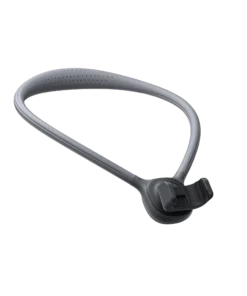
Expand Your Camera Setup with the Insta360 Cold Shoe Bracket
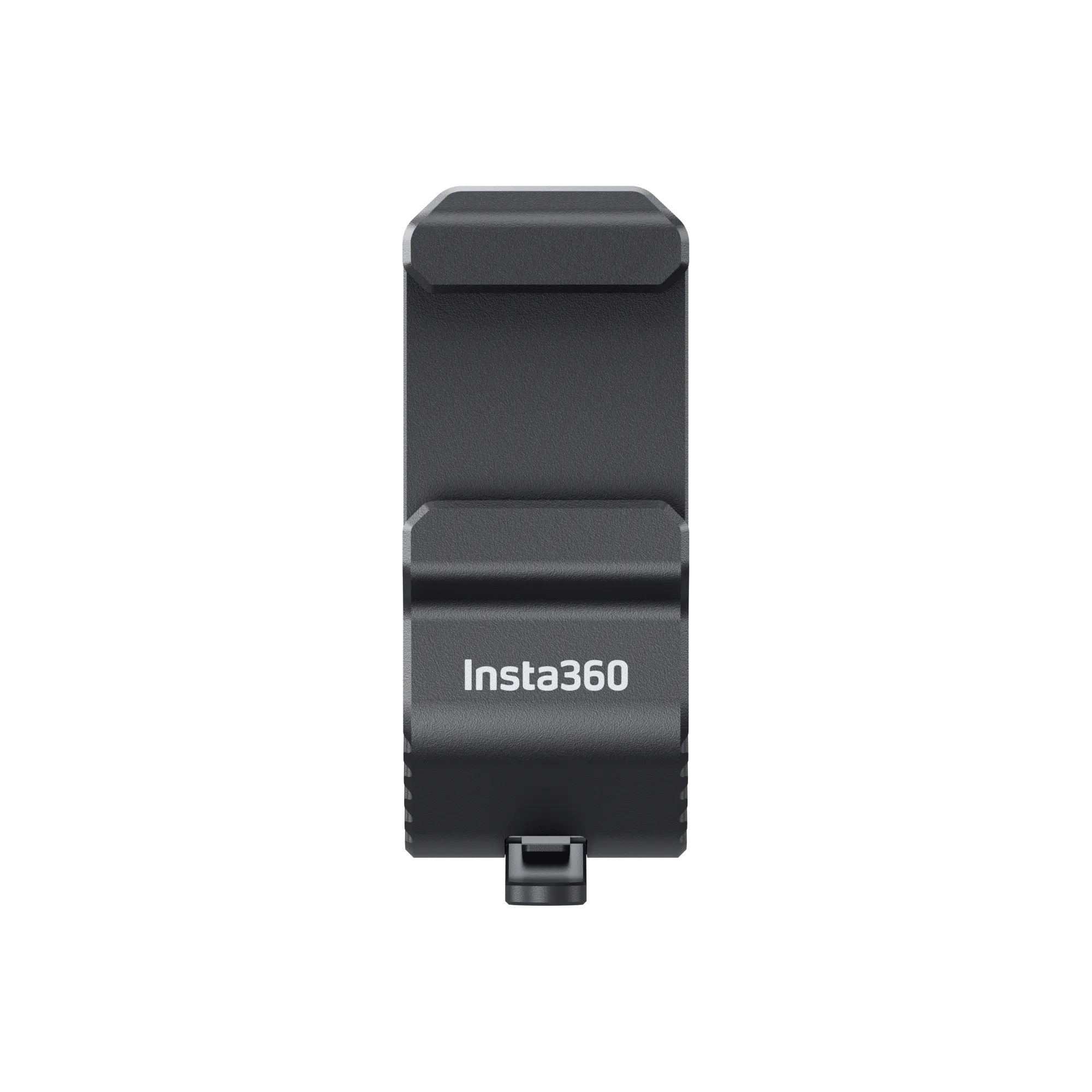
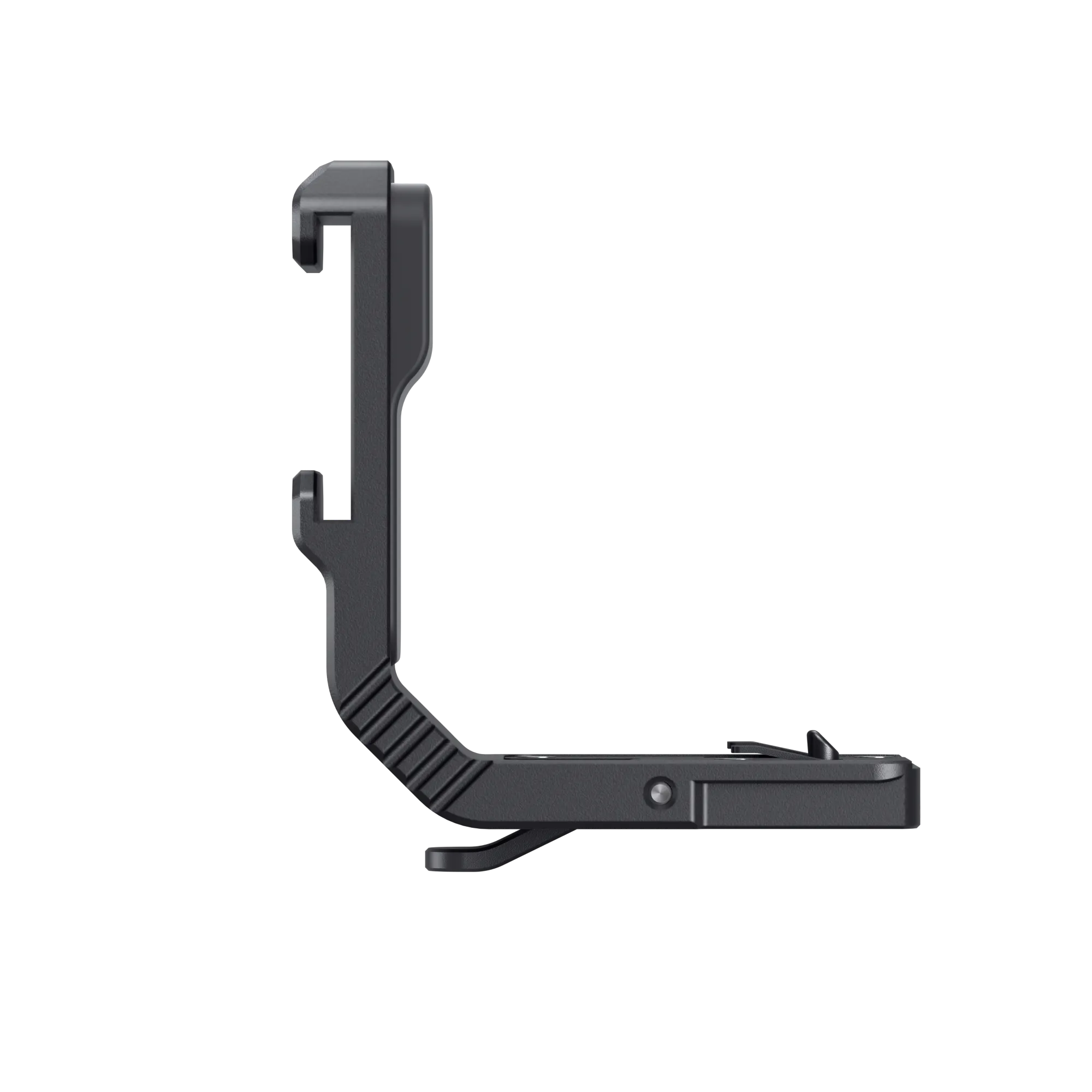
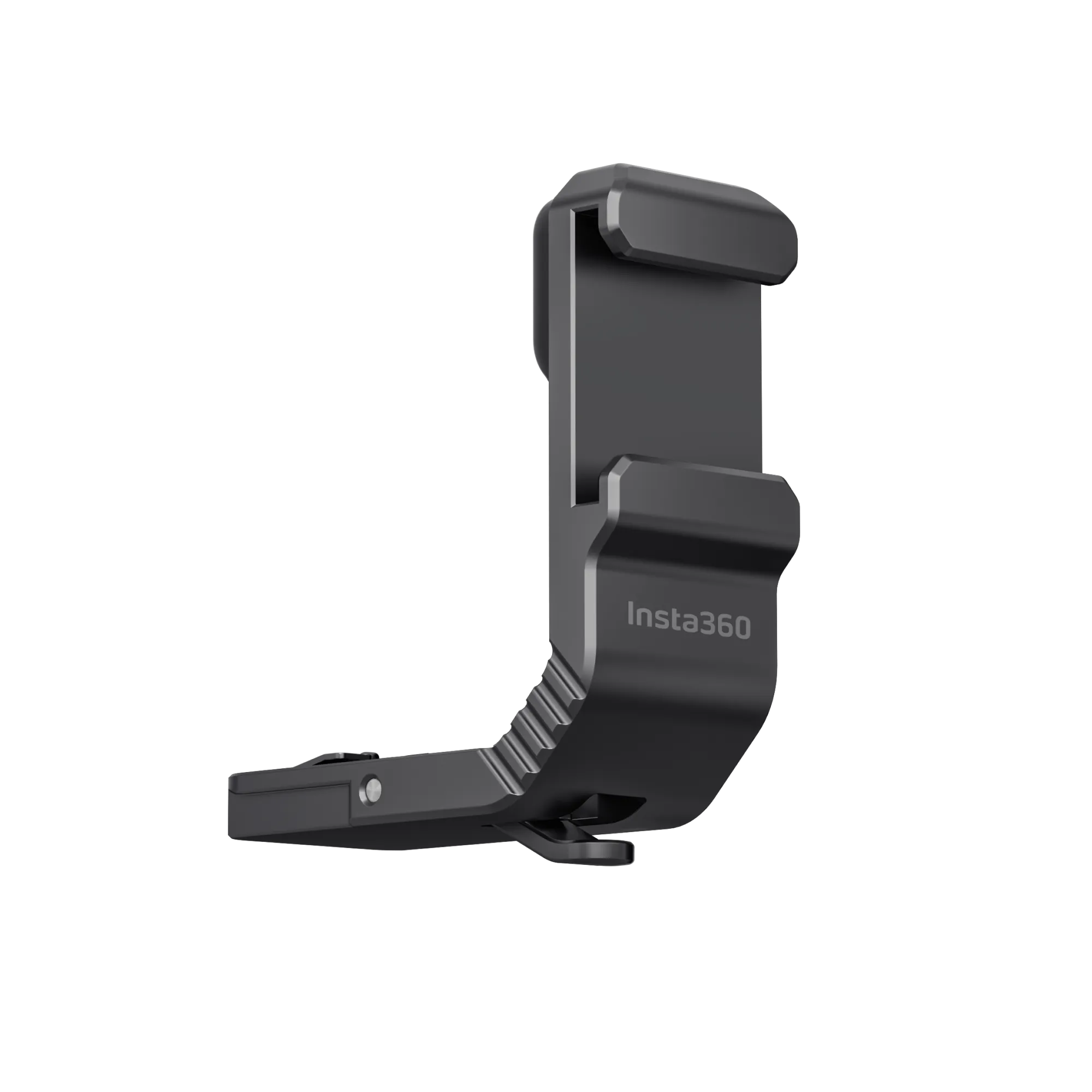
The Insta360 Cold Shoe Bracket for ACE and ACE PRO lets you attach compatible external accessories, such as microphones and lights, to your action camera. Its compact design provides an easy way to expand your filming setup without requiring a camera cage.
Made from durable aluminium alloy, this bracket weighs just 12.9 g, adding minimal weight to your equipment. Additionally, its secure snap-on design allows for convenient installation and removal when used with the separately sold Insta360 Quick Release Mount.
Whether you’re recording videos, capturing adventures, or creating content, this cold shoe bracket offers a practical solution for mounting compatible accessories.
Mount Microphones and Lights with Ease
The Insta360 Cold Shoe Bracket makes it easier to customise your camera setup for different recording situations. Attach a compatible microphone to improve your audio setup or add a suitable light to support filming in darker environments.
Furthermore, its lightweight aluminium body helps keep your equipment portable. The compact design also allows the bracket to sit closely against the camera when correctly installed.
Important: The bracket must be used with the separately sold Insta360 Quick Release Mount. The maximum recommended weight of attached accessories is 100 g (3.53 oz).
How to Install the Insta360 Cold Shoe Bracket
Follow these steps to install the bracket correctly:
- Prepare the Quick Release Mount: Attach the Insta360 Quick Release Mount to your compatible camera and ensure that it is locked securely.
- Align the Bracket: Align the base of the cold shoe bracket with the Quick Release Mount.
- Slide into Position: Press and hold the release button on the bottom of the cold shoe bracket, then slide it fully into the Quick Release Mount base.
- Check the Connection: Ensure the bracket is properly seated before attaching any accessories.
- Attach Your Accessory: Mount a compatible external microphone, light, or other suitable accessory to the cold shoe.
To remove the bracket, press and hold the release button and gently slide it out of the Quick Release Mount.
Important Usage and Compatibility Notes
Before using the Insta360 Cold Shoe Bracket, keep the following points in mind:
- Accessory Weight Limit: Attached accessories must not exceed 100 g (3.53 oz).
- Use with Care: The bracket features a snap-on structure and may detach during intense activities or scenarios. Exercise caution when using it.
- Mounting Limitations: Once the cold shoe bracket is installed, the Quick Release Mount can only connect to other accessories using its 2-prong mount.
- Microphone Cable Routing: When connecting an external microphone, route the audio cable underneath the camera to help maintain full use of the flip screen.
- Required Accessory: The Insta360 Quick Release Mount is sold separately and is required to use this bracket.
Product Specifications
| Specification | Details |
|---|---|
| Product Name | Insta360 Cold Shoe Bracket for ACE and ACE PRO |
| Product Type | Camera accessory mounting bracket |
| Material | Aluminium alloy |
| Weight | 12.9 g (0.46 oz) |
| Mounting Interface | Cold shoe |
| Attachment Method | Snap-on connection with release button |
| Compatible Cameras | Insta360 Ace Pro and Insta360 Ace |
| Required Accessory | Insta360 Quick Release Mount (sold separately) |
| Maximum Accessory Weight | 100 g (3.53 oz) |
| Typical Applications | Mounting compatible microphones, lights, and other accessories |
Why Choose the Insta360 Cold Shoe Bracket?
The Insta360 Cold Shoe Bracket is a useful addition for creators who want to expand their camera setup without carrying bulky mounting equipment. Its durable aluminium construction, lightweight design, and quick-release mechanism make attaching compatible accessories straightforward.
For video creators, vloggers, and action-camera users, it offers a compact mounting solution for adding essential accessories while keeping the overall setup streamlined.
| Weight | 0.013 kg |
|---|---|
| Dimensions | 4 × 2 × 5 cm |
Brand
Insta360
Insta360 is a camera brand best known for 360-degree cameras, action cameras and compact wearable cameras.
Its cameras are commonly used for:
- 360° filming: Capture the surroundings and choose the viewing angle when editing.
- Outdoor activities: Record fishing, camping, travel and 4×4 trips.
- Action footage: Film sport and movement with image stabilisation.
- Content creation: Make videos for social media, product demonstrations and business marketing.
Be the first to review “Insta360 Cold Shoe Bracket for ACE and ACE PRO”
You must be logged in to post a review.
Related products




Reviews
There are no reviews yet.